From a new review to a reply in four steps.
You set Replida up once. After that, every Google review gets a draft reply from AI, and you only see the ones that need your decision.
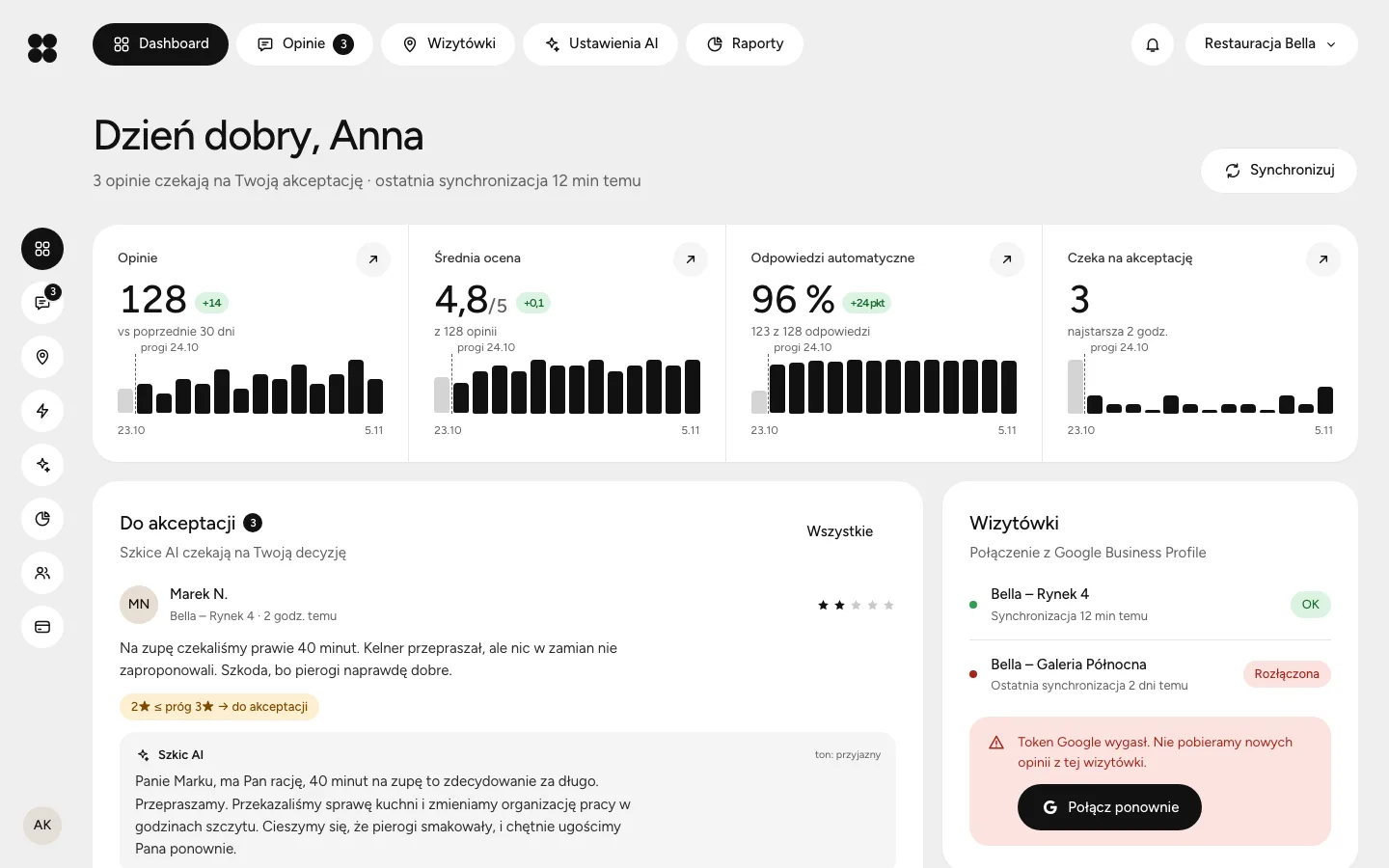
Connect your Google listings
Sign in with the Google account that manages your listings and pick the locations. From then on, new reviews reach Replida by themselves. If the connection expires, the dashboard tells you right away.
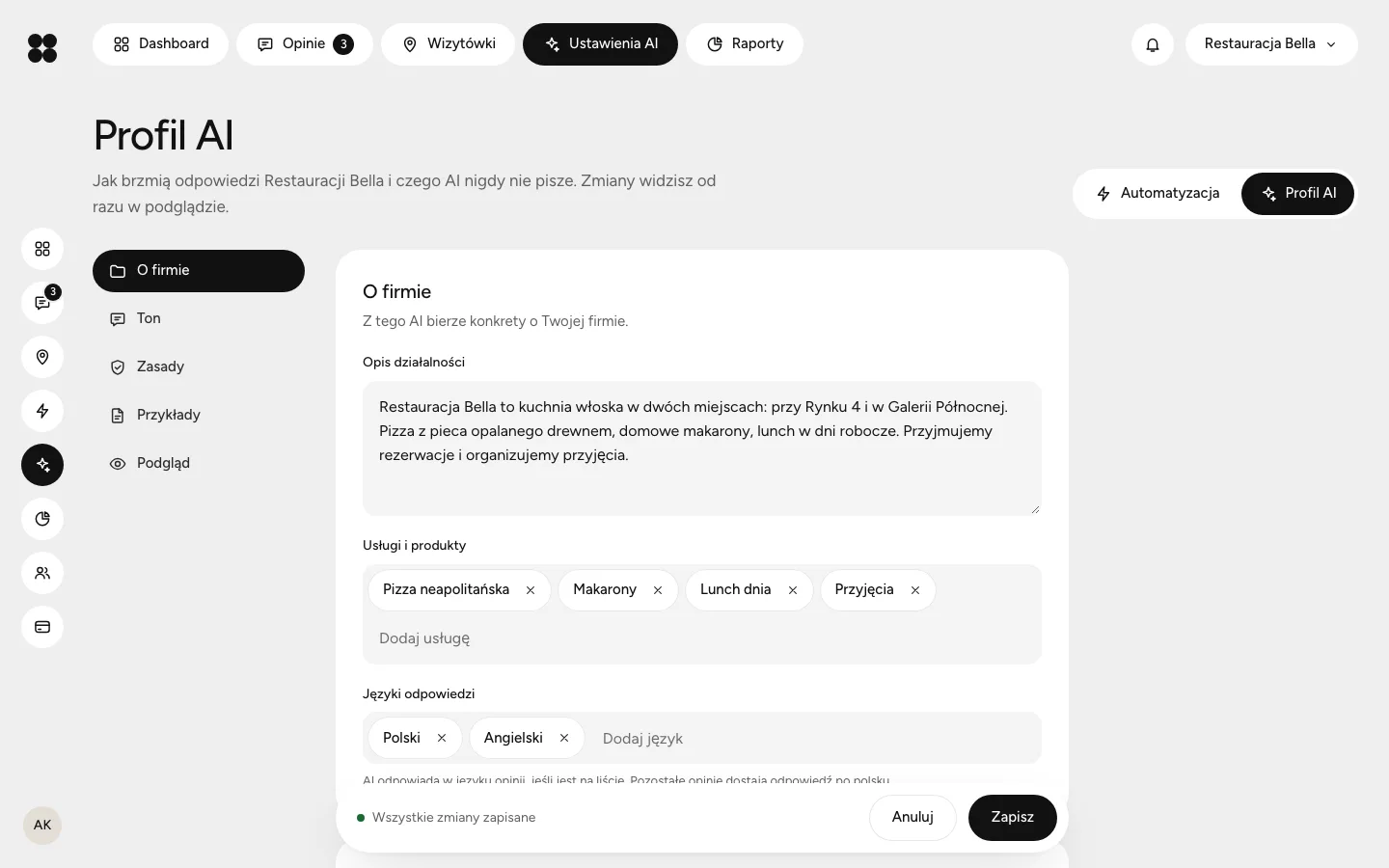
Describe how your business talks
In the brand profile you choose the tone and form of address, add rules and paste a few good replies. A separate list tells the AI what never to promise, such as discounts or refunds.
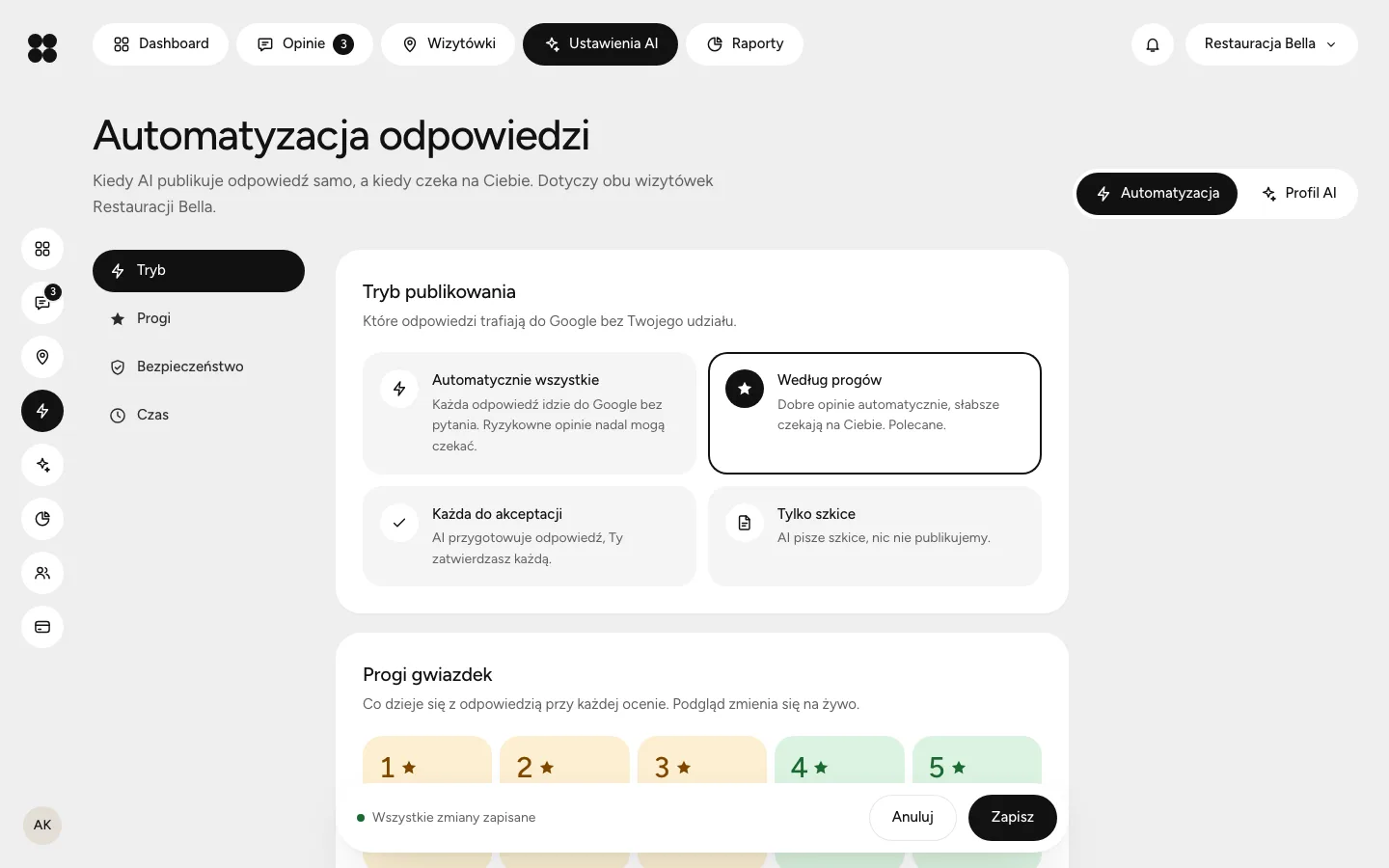
Set your thresholds
Choose from how many stars a reply publishes itself and up to how many Replida only prepares a draft. You can add a publishing delay and hold risky reviews.
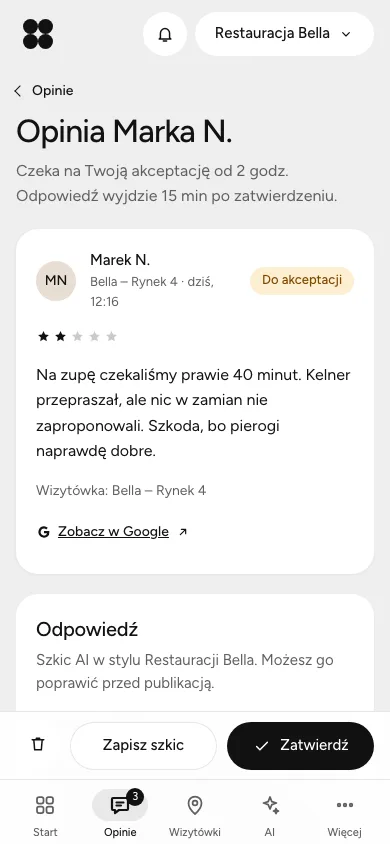
Approve only the hard ones
A critical review arrives as a notification on your phone. Open it, read the draft, edit or approve. Add Replida to your home screen like an app, no app store needed.
What happens to every review
Replida always records the reason for its decision. You see it next to the review, for example “2★ below the 3★ threshold, needs approval”.
Rating meets the threshold. The reply goes out after the delay you set.
Rating below the threshold. The draft waits and you get a notification.
The text contains personal data, threats or a legal matter. Nothing goes out without you.
Manual mode. Replida writes, you always publish.
Common questions
Only if you set the threshold that low yourself. By default, reviews of 3★ and below wait for a person.
Yes. Every draft is editable, and the publishing delay gives you time to correct automatic replies too.
Polish, English, German, Italian and Spanish. You can switch any time in your account settings.
We keep review text for 30 days at most. Details are in the privacy policy.